Fish coloring pages that come to life
Print a free fish coloring page, color it, and scan it with your phone. See the fish coloring pages.

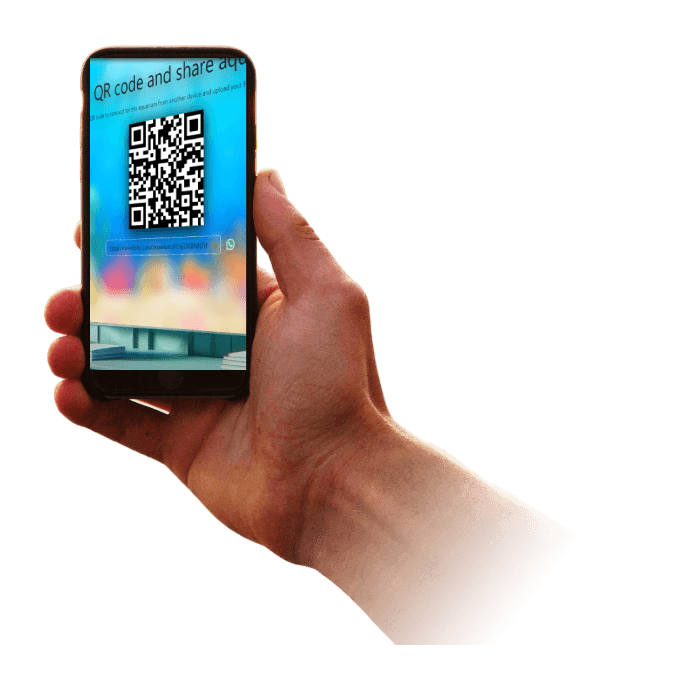
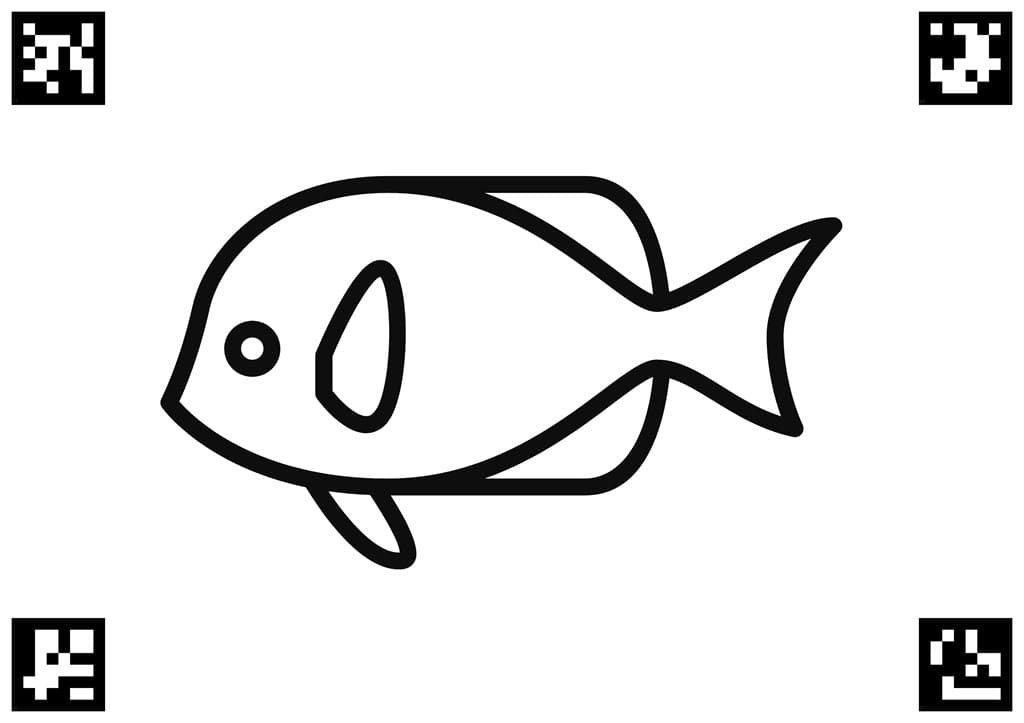
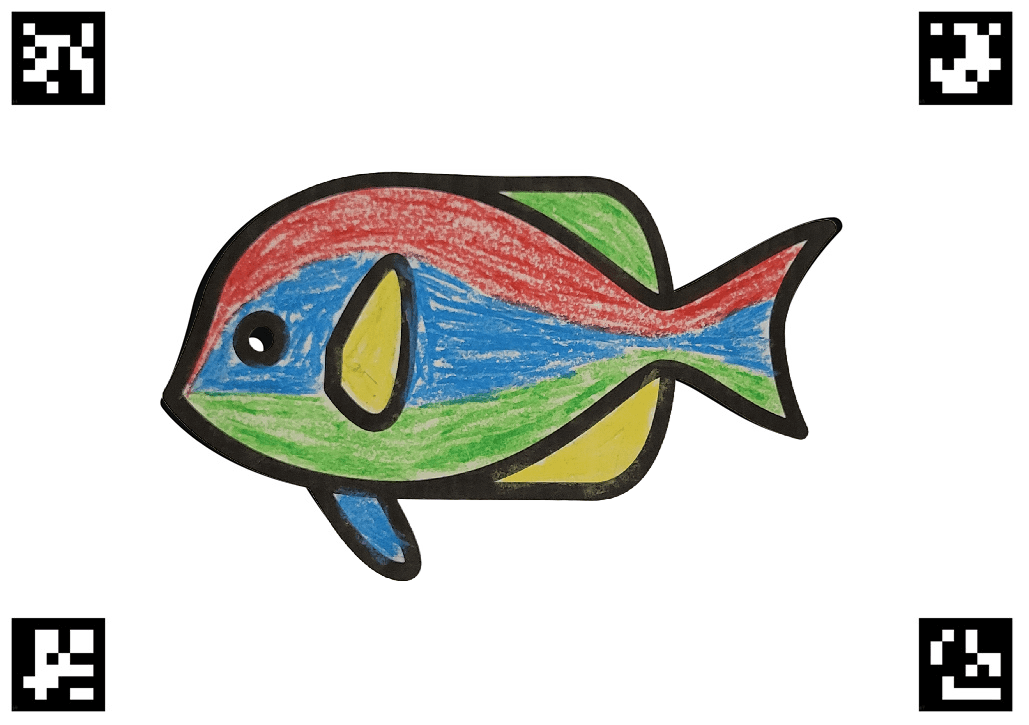
Second, color the Fishy coloring page
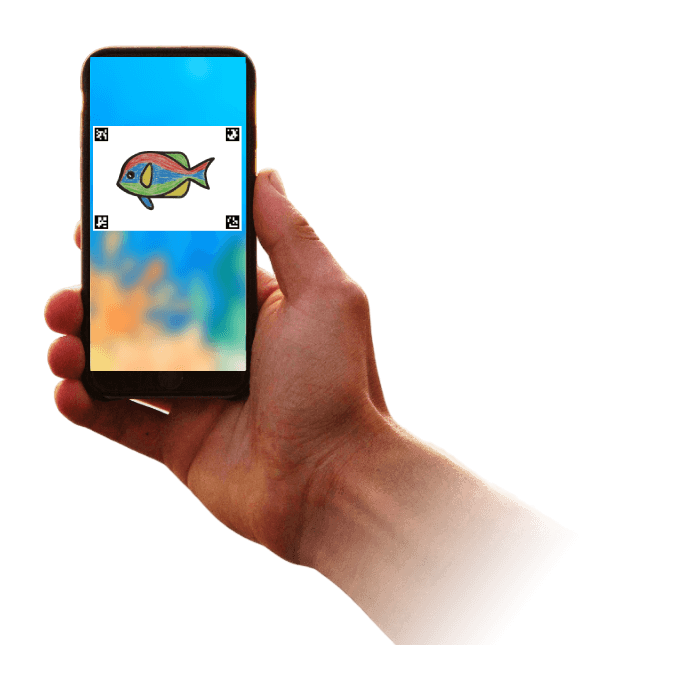
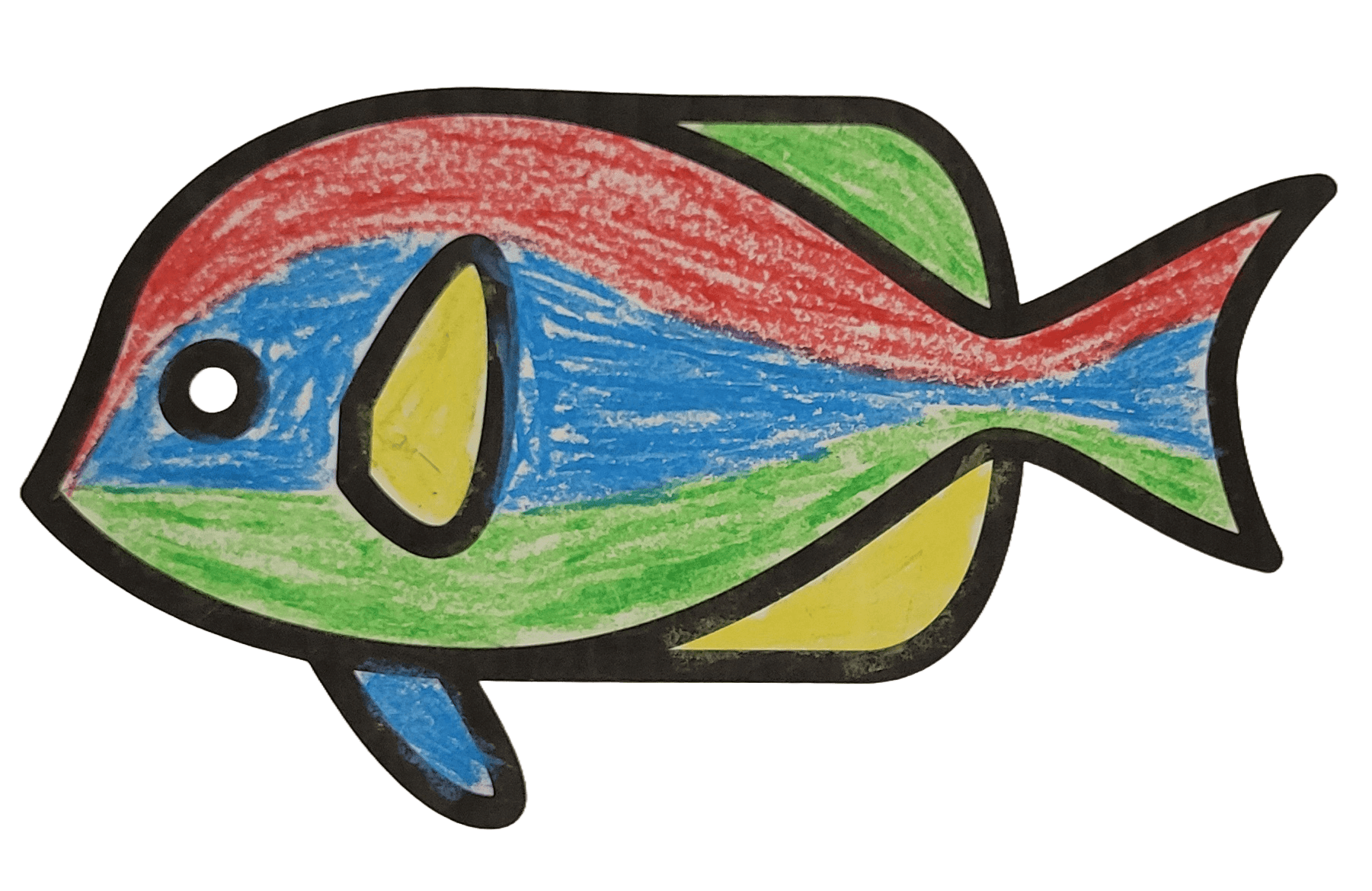
And watch your Fishy comes to life and swims in your TV!
How Fishy works: Color, Scan, Swim
1. Color
Choose a free fish coloring page, print it, and let kids create their own fish with crayons or pencils. Leave the QR codes clear for scanning.
2. Scan
Open Fishy on your phone and photograph the finished page. The app turns the drawing into a fish for your aquarium.
3. Swim
Watch the fish swim, then open the shared aquarium on a TV or computer so everyone can enjoy the colorful creations together.
A creative activity at home and in your venue
Turn a quiet coloring session into a shared moment. Families can start with the free personal plan; businesses can choose an enterprise aquarium on the pricing page.
- Waiting rooms and dentists: give children a hands-on activity while they wait.
- Pediatric clinics: let young visitors add their own artwork to a shared screen.
- Family restaurants: keep little artists busy before their meal arrives.
- Hotels: offer coloring in lobbies and playrooms during check-in or rainy afternoons.
Questions parents ask
How do I get fish coloring pages?
Open the fish coloring pages, or open app.swimfishy.com and choose Print. Color the page on paper.
What do I need to watch the fish swim?
A phone to scan the colored page, and a TV or computer opened to the shared aquarium from the Fishy app.
Is Fishy free?
The free plan lets a registered user upload up to 6 fish for personal use. Personal and enterprise plans are on the pricing page.
Can a clinic, hotel, or restaurant use Fishy?
Yes. The enterprise plan is for commercial waiting rooms: waiting rooms, pediatric clinics, hotels, and restaurants.